ELIAS ART
iPhone, iPad and Android · $1.99

Presentation Ender

A timer for talks, speeches and meetings. Tap one, and the whole screen counts down in numbers you can read from the back of the room.
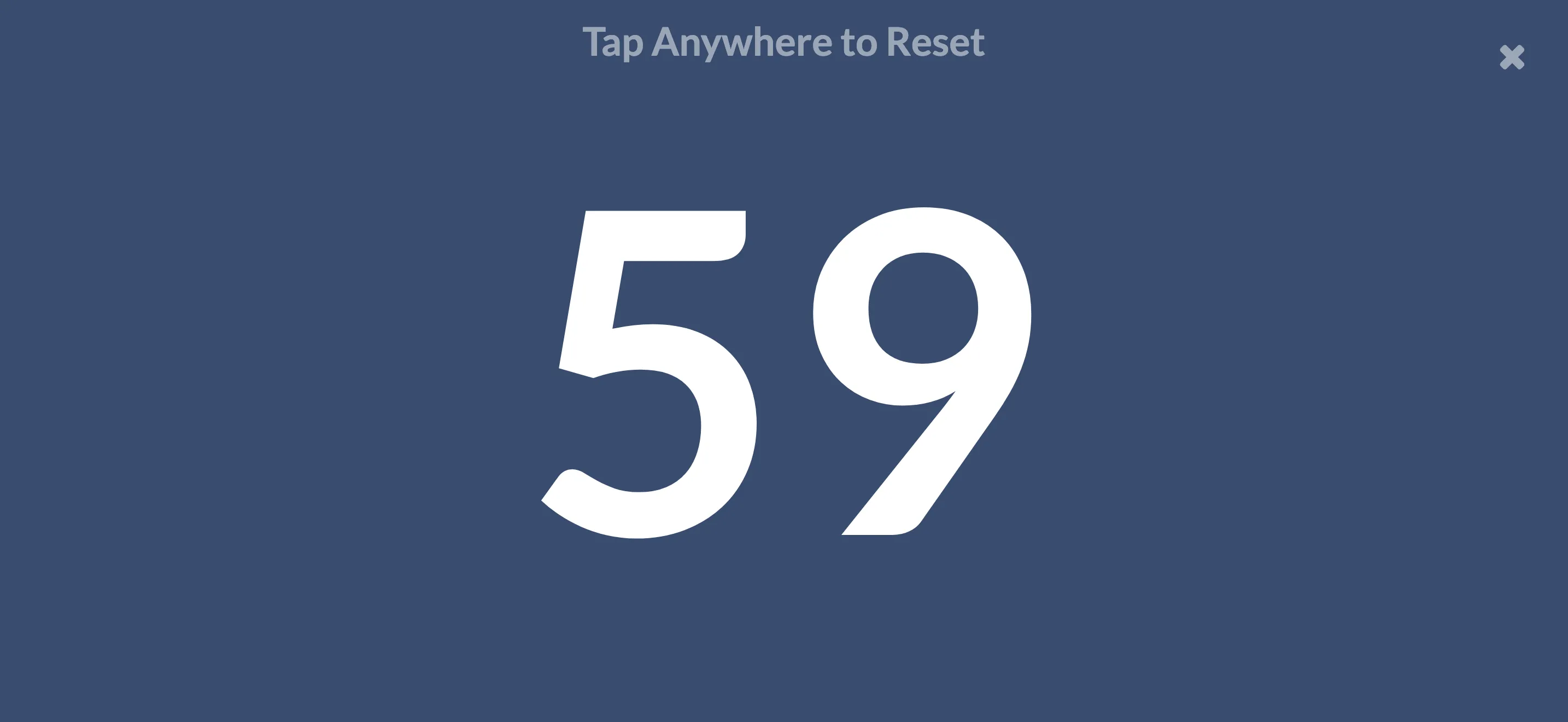
Presentation Ender counting down: 59 seconds left, filling an iPhone screen
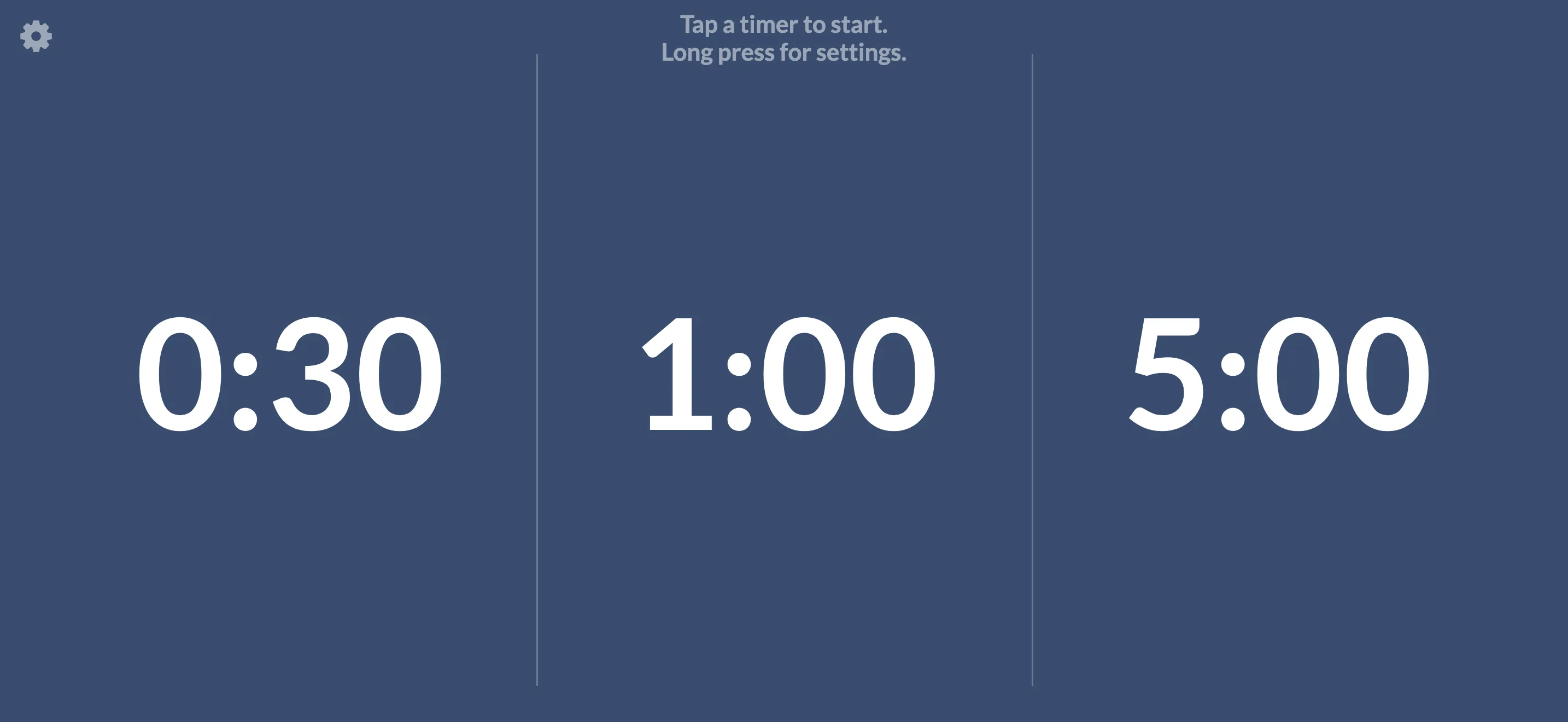
  • The home screen: three timers, 0:30, 1:00 and 5:00. Tap a timer to start, long press for settings.
  • The last seconds of a timer: 3, on a screen that has faded from blue to red
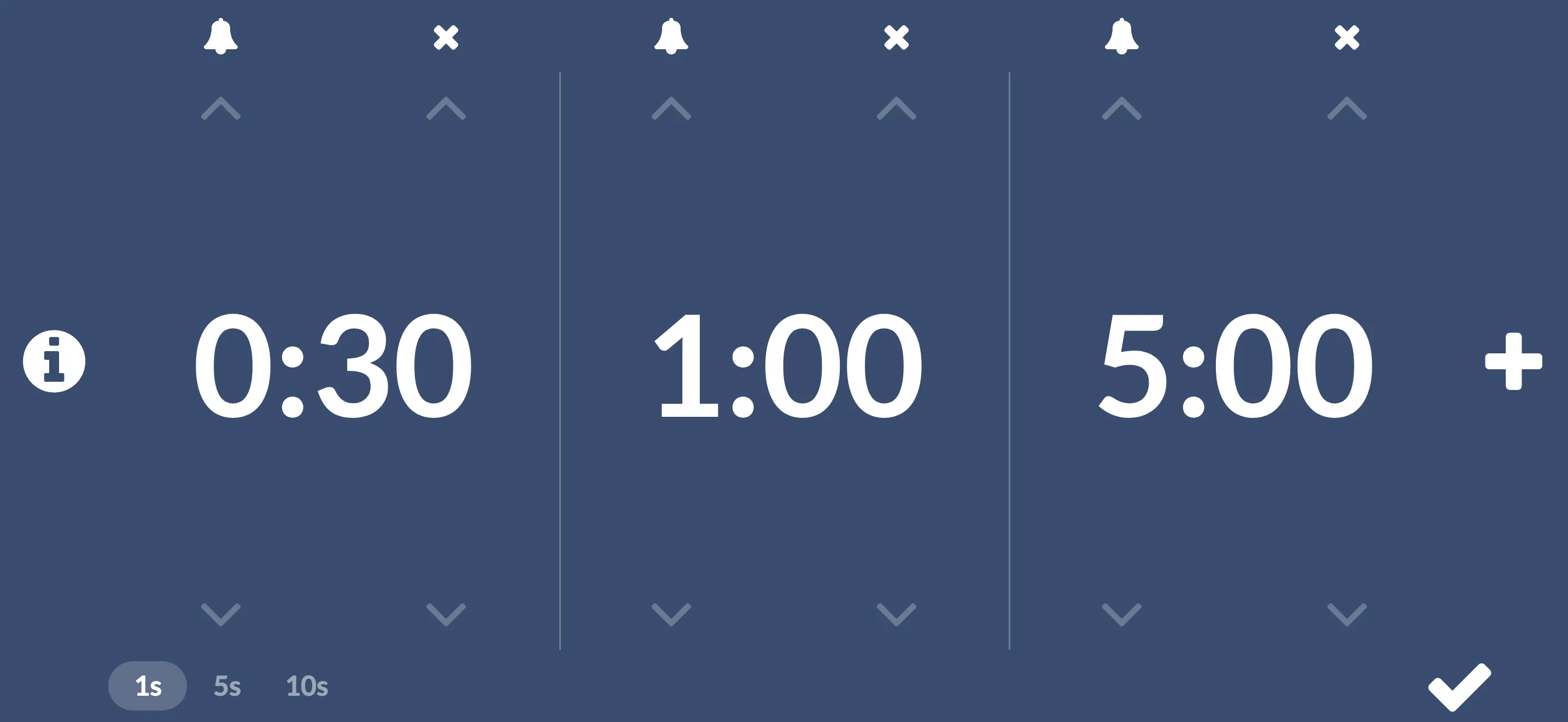
  • Settings: each timer with arrows to set its minutes and seconds, a bell for its sound, a plus to add another, and 1s, 5s and 10s at the bottom left to choose how far the seconds move

Presentation Ender keeps a speaker on time without a word. Set it on the lectern or hold it up from the front row: the countdown fills the screen, the background turns from blue to red over the last fifth of the time, and when time is up it chimes and pulses red, counting how far over the talk has run.

Tap and go

  • Tap a timer to start it. Tap again to start over.
  • Double tap, or tap with two fingers, to pause and resume.
  • Long press, or tap the X, to stop.
  • The screen stays on while a timer runs.

Set it your way

  • Keep up to six timers, from a few seconds to 99 minutes.
  • Drag a timer up or down to set it, or tap above or below the minutes and seconds to step it.
  • Pick 1s, 5s or 10s to choose how far the seconds move, so a time like 2:45 is quick to set. New in 2.0.1.
  • Give each one its own sound, from a service bell to a rubber ducky, or none at all.
  • Your timers are saved for next time.

Also

  • No ads, no accounts, no subscriptions. Pay once.
  • Nothing is collected. Your timers stay on your device. Privacy policy
  • Works offline.
  • Questions? Support